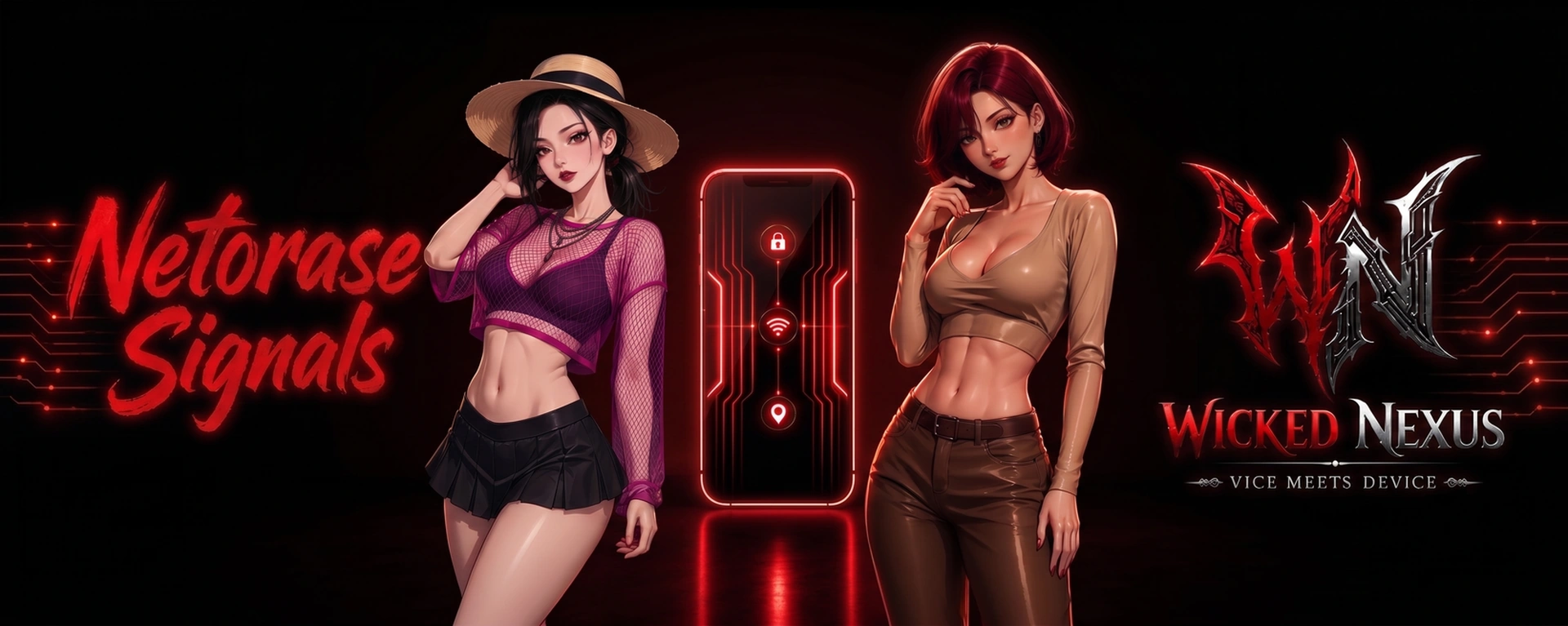
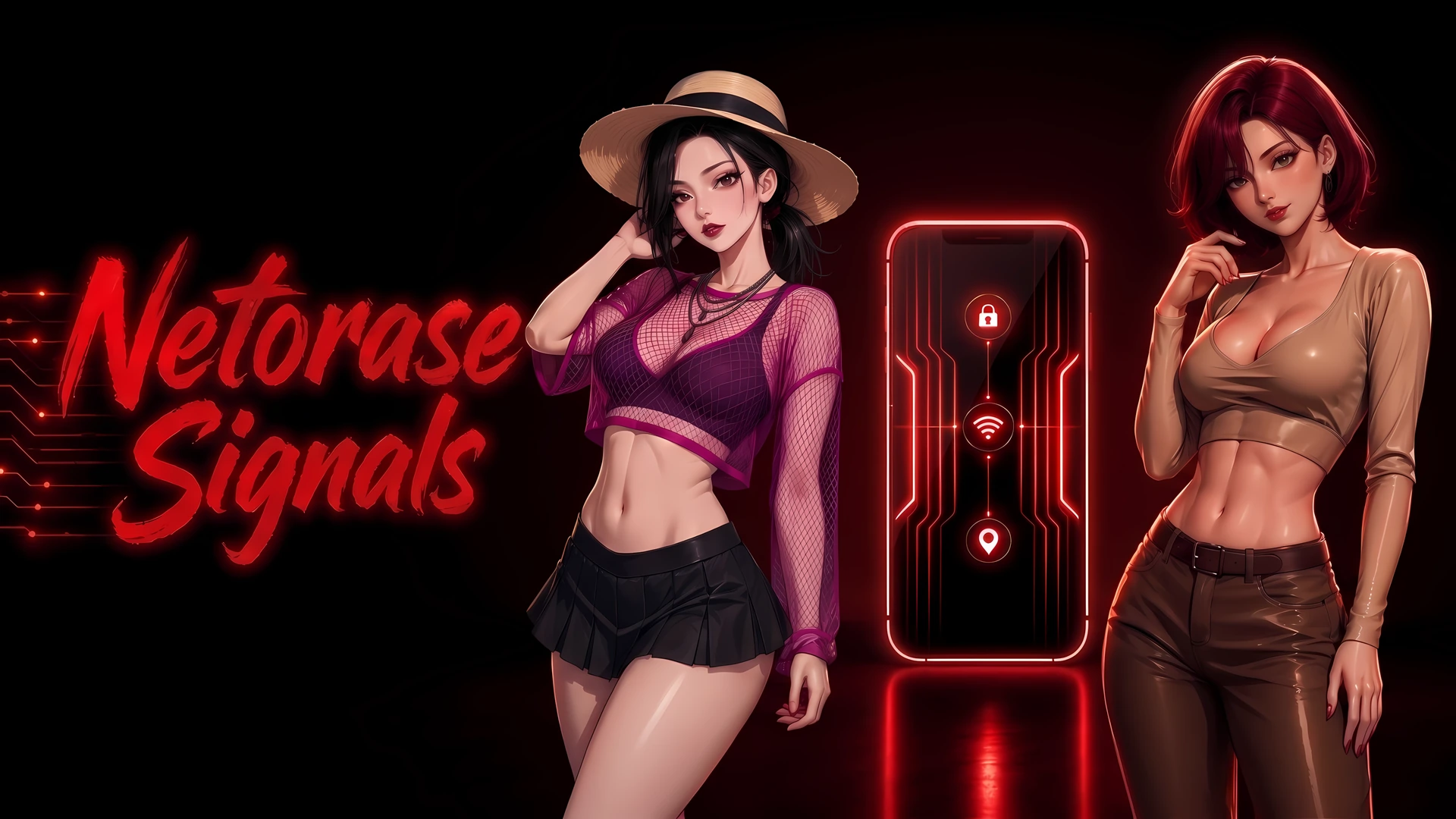
Netorase Signals is a Ren’Py phone chat game centered on three characters: Damon, a Boonforger capable of enchanting and enhancing modern equipment and even people; Raven, a succubus hybrid with Psychometric Touch, an ability that allows her to read minds; and Maya, a siren hybrid with Siren Pulse, an empathic ability that allows her to sense and amplify the emotions of others.
Together, the three form a loving relationship and explore a shared, consensual netorase fantasy – the desire to willingly share your partner with others. Set in a modern supernatural world, the game takes place in a society where humans coexist with hybrids and full-blooded supernatural species.
—
Developer: WickedNexus – Patreon |
Censored: No
OS: Windows, Linux, Mac, Android
Language: English
Genre: Animated, 2DCG, Male Protagonist, Mobile Game, Big Tits, Big Ass, Corruption, Exhibitionism, Humiliation, Groping, Masturbation, Oral Sex, Netorase, Teasing, Voyeurism, Vaginal Sex
Installation:
Extract and run.
The game is primarily available for PC and Android. The Mac version has not been tested.
v2.0
✨ What’s New in Version 2.0
- 17,000+ new words
- 46 new CGs
- 10 new videos
🛠️ Bug Fixes & Improvements
- Fixed an issue with comments in the social feed
- Fixed an issue where an item would not unlock in the gallery
- Fixed an issue related to loading save files
- Fixed several chat freezing issues
- Improved APK compatibility with certain Ren’Py environments
- Improved interaction with the Settings screen
Note – Previous save files should be compatible with Version 2.0. However, if you encounter any errors or unexpected issues while loading an old save, please try starting a new game instead.
If you are facing problem to play the videos in Android, please try one of the following options:
Option A: Quick Fix (Keeps Save Files)
- Close the game completely.
- On the phone, go to Settings → Apps → Netorase Signals → Storage.
- Tap Clear Cache (make sure not to tap “Clear Data” so saves aren’t wiped).
- Re-open the game and check the video.
Option B: The Complete Fix (Clean Reinstall)
- If clearing the cache alone doesn’t fix it (due to stale internal assets or native libraries):
- (Optional) Back up saves if needed.
- Uninstall the app completely from the S25 Ultra.
- Install the new APK fresh.
- Launch the game.