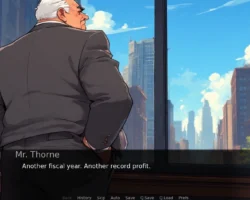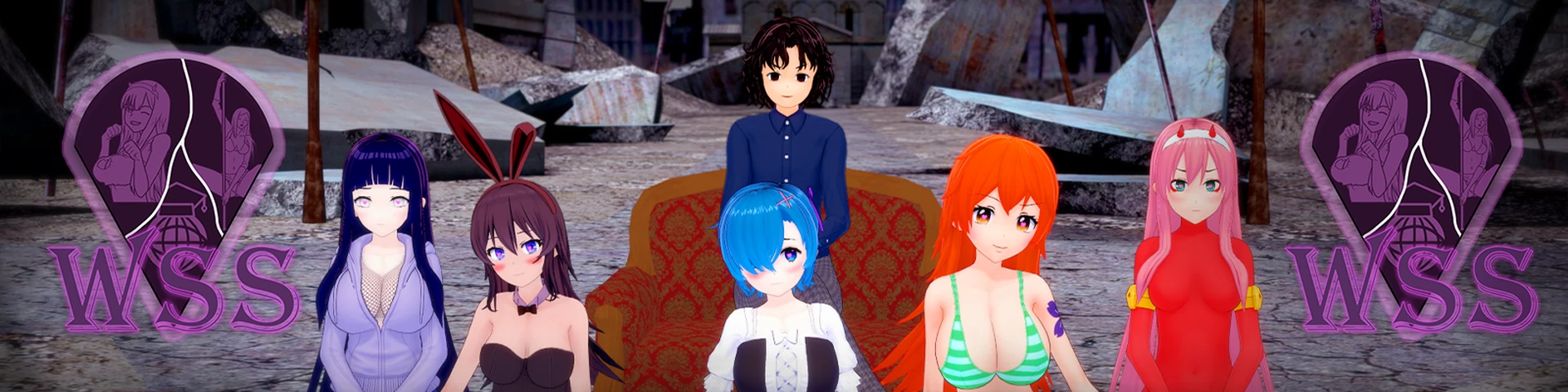

Waifu Slut School is a free-to-play adult game with 3dcg in the genre SandBox/VN. Here, you will be able to seduce or dominate your waifu!
After getting into Hell, a sexy deviless, instead of your soul, offers you to work for her, seducing girls to take them to her. She will send you to a strange city where girls arrive unwillingly, desperately looking for a way out. Will you follow the devil’s lead or help the famous girls in trouble? In any case, you must become the principal of the “Waifu Slut School” and, making your own choices, decide your fate and the fate of your waifu.
–
Developer: Mikiraus – Linktree |
Censored: No
OS: Windows, Linux, Mac, Android
Language: English, Russian, Ukrainian, Chinese (Simplified)
Genre: 3dcg, Male Protagonist, Teasing, Groping, Vaginal Sex, Animated, Male Domination, Big Tits, Sandbox, School Setting, Oral Sex
Installation:
Extract and run.
Android transfer saves instructions:
- Before uninstalling the game, go to the “Android/data/com.mikiraus.wss/files” folder and copy the “saves” folder to a separate location on your phone.
- Uninstall the game and install the new version; run it once.
- Go back to Files and copy your “saves” from a separate location back to “Android/data/com.mikiraus.wss/files”
(Different devices may have different file explorers, and often, there is a problem when you can copy from the “Android/data” folder but can not paste files back into it. To get around this, you can use third-party file systems.)
Note! You can still play Third Act if you can’t transfer your saves. Just start a new game and select the route and level of the heroines. The game will consider all the main Act I and II events as completed. And you will be able to start playing the Third Act.
Saves Sync Instructions:
- Go to the game’s Save Menu and click “Upload Sync.” You will see your Sync ID, which is only valid for an hour.
- (Android only) Uninstall the game and install the new version you want to transfer your saves to.
- Go to the Load Menu on another device or version and click “Download Sync.” In the field that appears, enter your Sync ID. After downloading, your saves will appear in the menu.
v0.5.9
145 new renders 🖼️ 58 new animations 🎞️ 1032 new lines of dialogue 🗨️
- Added the fourth set of the endings, with the option to help Ash. Use the portal on the map.
- Added a “Nude” outfit for Hinata, Zero Two, Mai, and Rem in the lab.
- Changed the appearance of the list of hints for major events to make it more noticeable to everyone.
- Changed the notes for the main events in the phone after level 4.