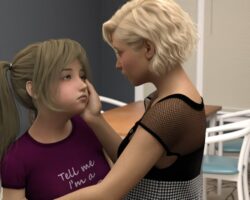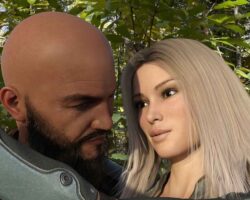
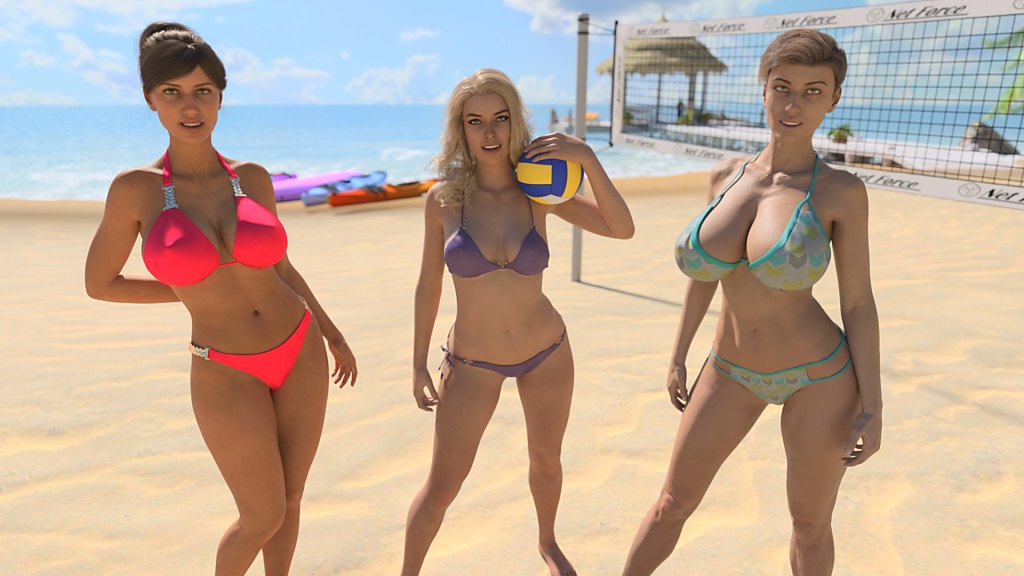
In this adult visual novel, The Visit, you’ll embark on a dark and twisted tale of self-discovery and desire, set in the eerie hometown of your protagonist’s past. The story picks up when the main character returns to his childhood abode after years away at college, only to be greeted by an atmosphere that is both familiar and foreign.
As he navigates through his new reality, you’ll witness a series of events unfold that expose his family’s deepest secrets and desires. In this world where nothing is as it seems, your protagonist will find himself entangled in a web of sensual encounters that challenge everything he thought he knew about himself and those around him.
The game’s narrative is full of unexpected twists and turns, keeping you on the edge of your seat as you guide your character through the treacherous landscape of his hometown. Will he uncover the dark truth behind his family’s facade? Or will his desires lead him down a perilous path?
The Visit promises an unforgettable experience, with its provocative themes, seductive characters, and addictive gameplay that’ll keep you hooked until the very end.
Developer: Stiglet – Patreon |
Censorship: No
OS: Windows, Mac, Linux, Android
Language: English
Genre: 3DCG, Animated, MILF, Taboo, Voyeurism, Oral Sex, Masturbation, Big Tits, Male Protagonist, Big Ass, Footjob, Group Sex, Sex Toys, Kinetic Novel, Titfuck, Mobile Game, Spanking
Installation:
1- Extract to desired location.
2- Click on “TheVisit.exe” to start playing.
Taboo Patch:
Content Changed
Patch to add incest content to the game
Patch Instructions
Overwrite scripts.rpa with patched version in /game folder
Features:
-Adds the option to see the end of the routes at the start of the game
-Improvements
-Walkthrough in game to all routes
Installation:
PC (Windows/Linux): Unzip the mod file and put the folder named “game” from the mod in your “TheVisit-1.0-pc” folder.
MAC: Unzip the mod -> Right-click your “TheVisit” app -> Click “Show Package Contents” -> Open the “Contents” then “Resources” folders -> Hold the Option key and drag the folder named “game” from the mod to the “autorun” folder -> Click merge.
If you get label errors, remove/backup the file scripts.rpa and put it out of the game folder.